

Note: This article was published on 10/06/2024.
This is a seres of articles about Angular Installation, Upgrading.
- Angular Installation and Environment Setup
- Update Angular For Environment And Project
- Update nx-angular:
- Update nx-Angular from 12 to 17 (1) --- Initial Point
- Update nx-Angular from 12 to 17 (2) --- in a nx environment --- this article
- Update nx-Angular from 12 to 17 (3) --- to Latest or Version by Version?
- Update nx-Angular from 12 to 17 (4) --- Debugging (1)
- Update nx-Angular from 12 to 17 (5) --- Debugging (2)
- Update nx-Angular from 12 to 17 (6) --- .Net updating and Angular updating
A - Introduction
This article is to discuss a upgrading process for an Angular app in a nx environment.
The content of this article:
- A - Introduction
- B - Way to Update an Angular App
- C - Start to Update an Angular
- D - What is UX
- E - How to Update a Nx-Angular App
- F - Update a Nx-Angular App
B - Way to Update an Angular App
We follow the work from article Update Angular from 12 to 17 (1) --- Initial Point and start to update the Angular app.
For an Angular app upgrding, we have discussed in my previous article, Update Angular For Environment And Project. Starting from Angular 6, the process of upgrading or updating the Angular apps to the latest version has become very easy. You can follow this Angular Update Guide step by step, such as

The above gave the detailed steps needed to update Angular to the version 7 from version 2.4.
C - Start to Update an Angular
What we need to do is
- Get the current Angular version;
- According to the Angular version, check on Angular Update Guide to get the updating schedule.
Let us get the Project Angular version first. The environment is used to be like this
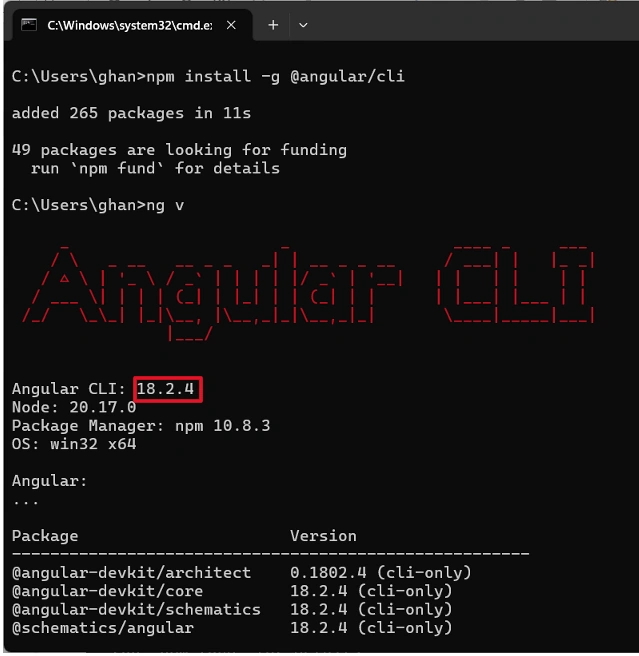
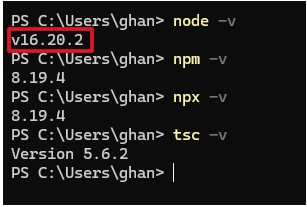
and for the app to run, we downgraded the node to v16:
We need to run ng -v within the project to get the project Angular version. However, we got difficulty like this:
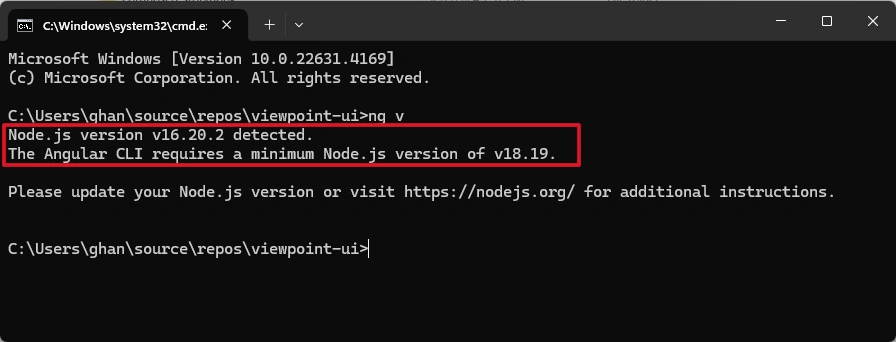
To fix it, we upgraded Node.js to version 18.9.0, however, the Angular version within the project is still the same as what the environment is: --- Version 18.2.4
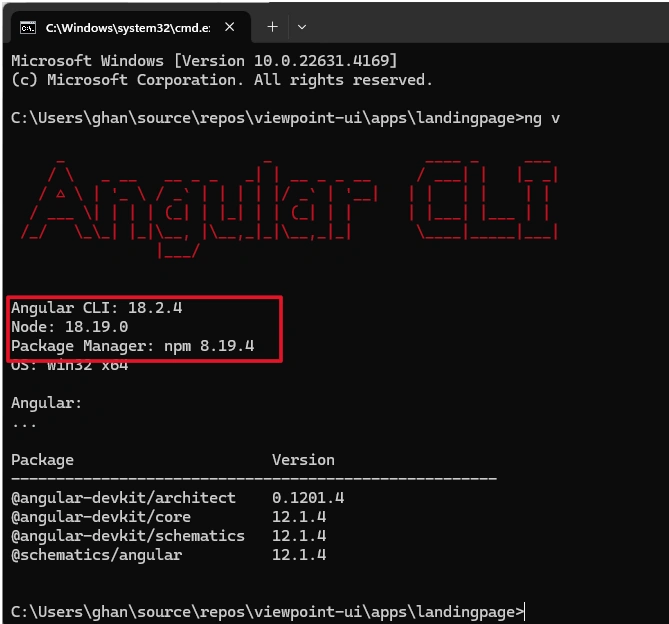
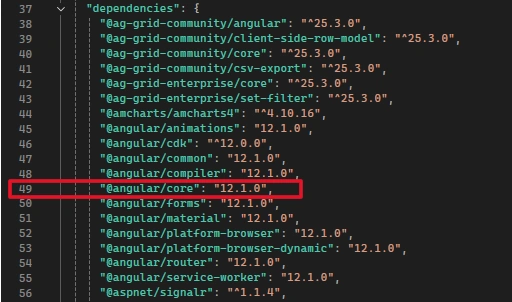
instead of as shown in package.json file, the version should be 12.
On the other hand, if we remove Angular globally,
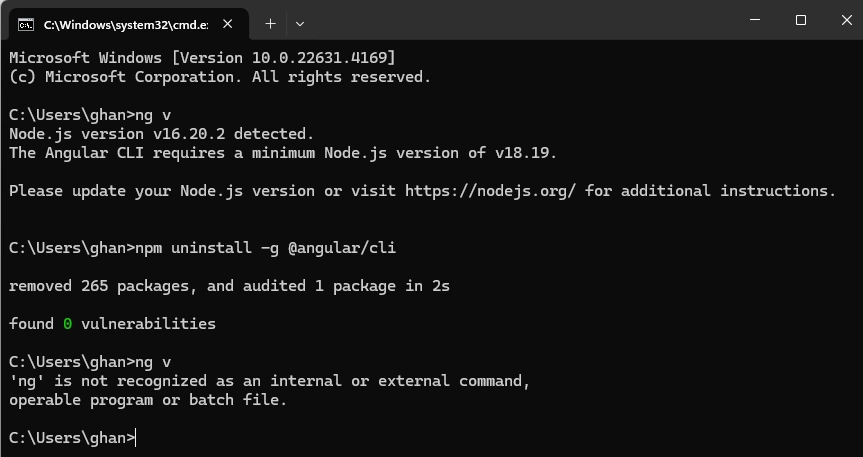
the App is still running well.
We realize that the Angular App is not driven by Angular environment, but by nx.
D - What is UX
Search on Google for angular vs. nx, AI tells us:
Nx and Angular CLI are both tools used in Angular projects, but they're best suited for different project needs and scales:
-
Angular CLI
A good choice for small to medium-sized projects, Angular CLI is a straightforward and efficient tool. It uses Webpack's caching to speed up the process.
-
Nx
A better choice for large-scale, complex applications, especially those that use a mono repo approach. Nx has several features that make it fast, including caching tasks, resource sharing, and automatic dependency updates.
Join the conversation! Your thoughts help the community grow.