

SharePoint 2016 general availability had been announced in the Future Of SharePoint conference in May 2016. The series that discusses the installation of SharePoint 2016 in Azure can be found at C# Corner from the below links.
- SharePoint 2016 installation in Azure-Part 1
- SharePoint 2016 installation in Azure-Part 2
- SharePoint 2016 installation in Azure-Part 3
Nintex is a premium technology partner for SharePoint. With the announcement of SharePoint 2016, Nintex has made the announcement of the general availability of Nintex Workflow 2016 July 11 2016.
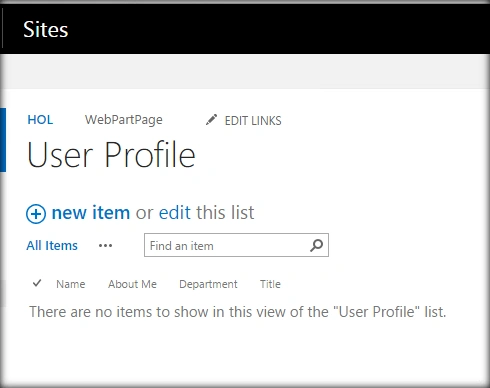
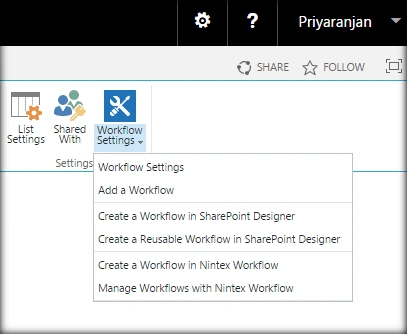
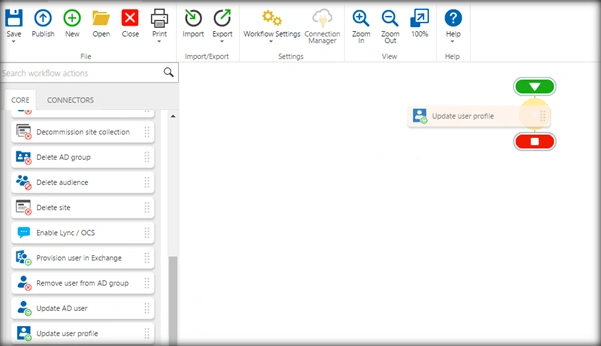
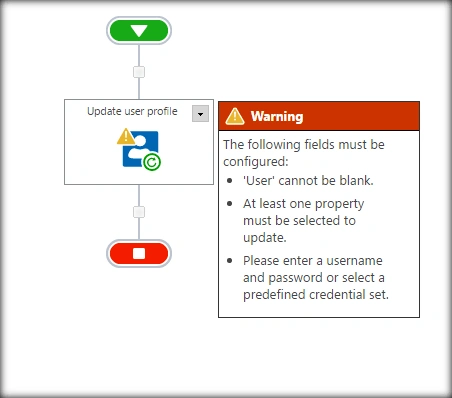
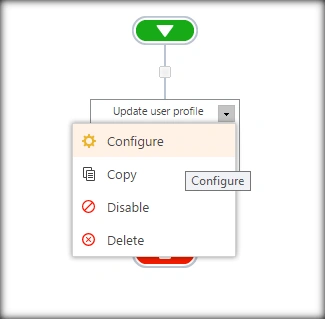
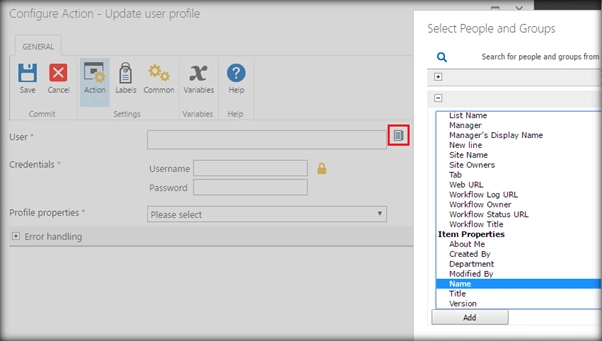
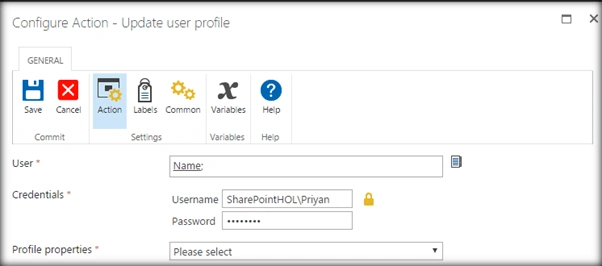
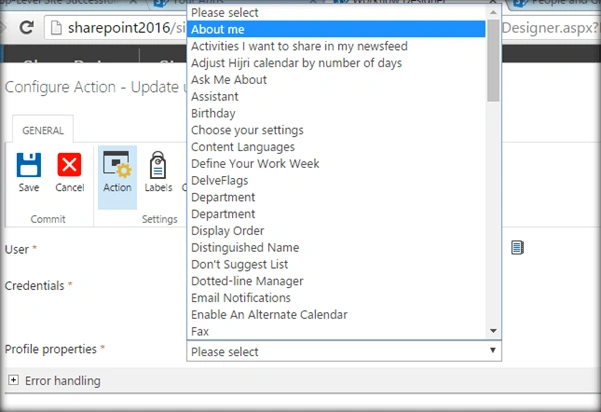
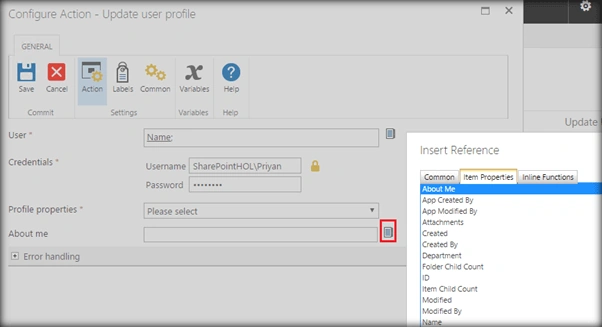
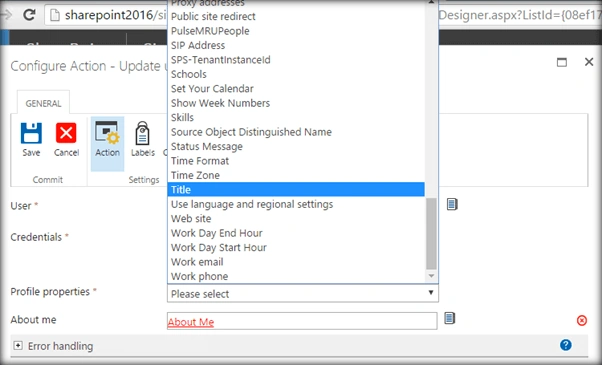
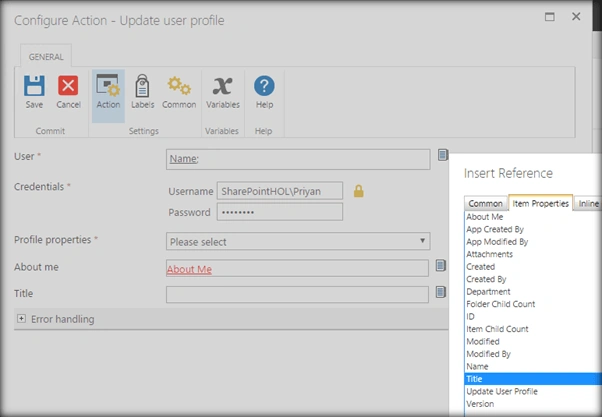
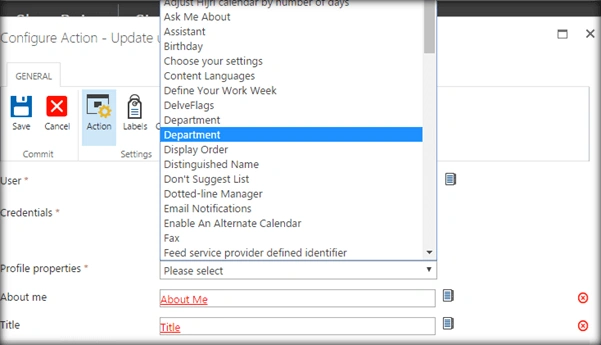
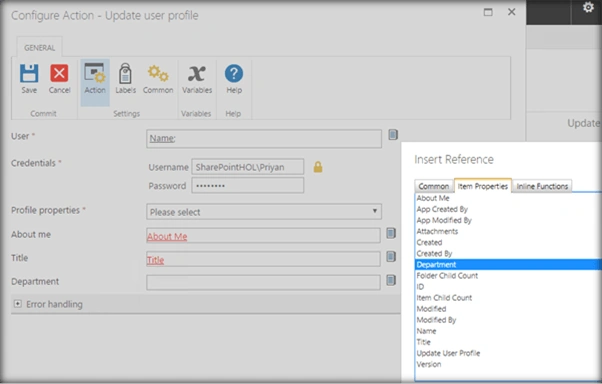
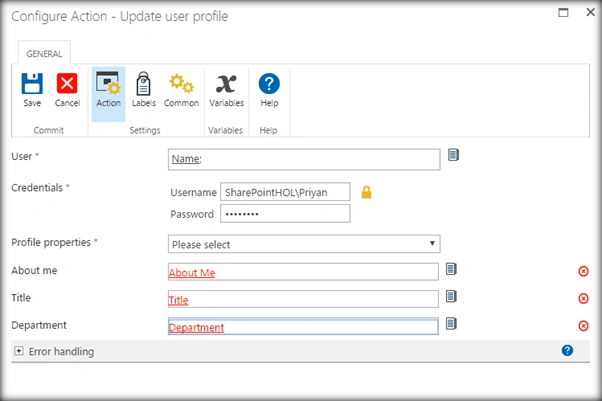
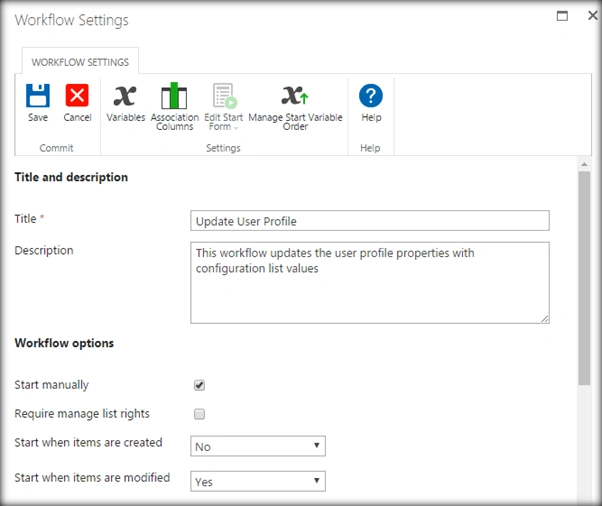
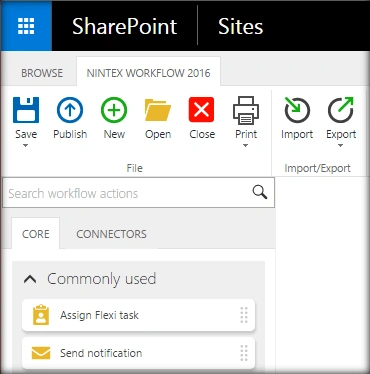
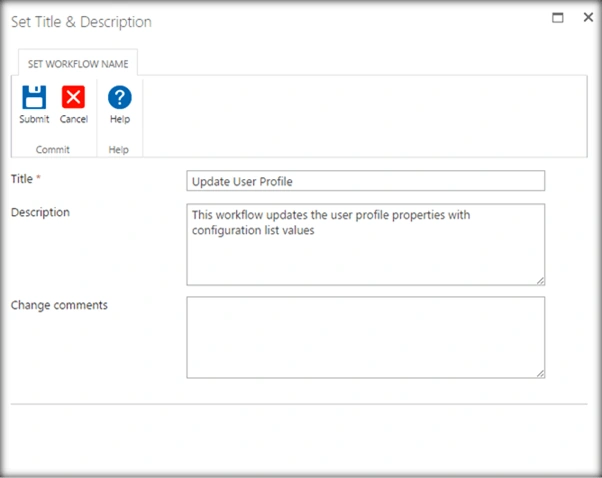
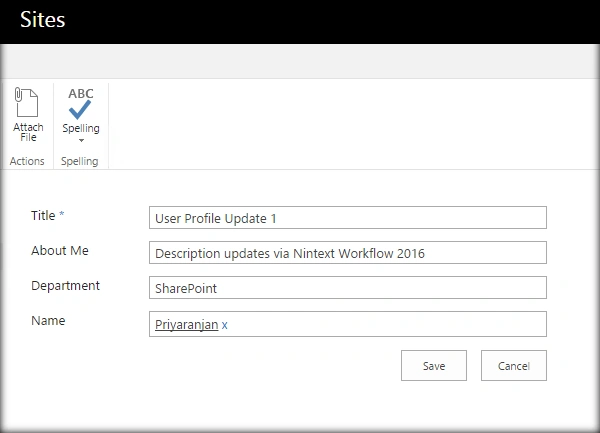
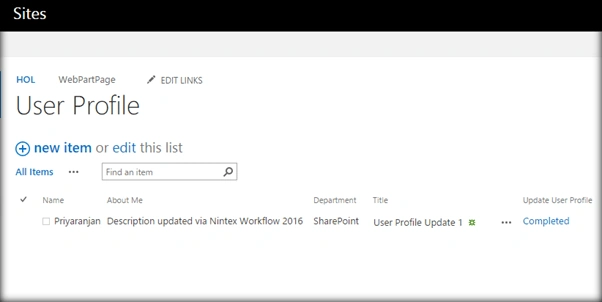
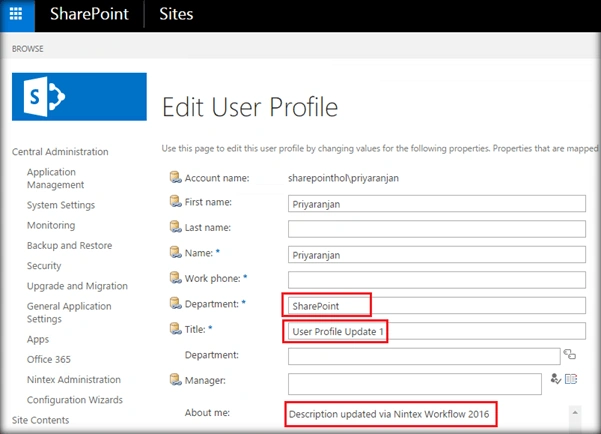
In this article we will see how to update the user profile properties using Nintex Workflow. In order to capture the information used to update the user profile, we will be maintaining a configuration list named ‘User Profile’. Within the list we will maintain the User profile properties as list columns. In our case ‘About Me’ and ‘Department’. Based on the update in this list the Nintex workflow will be triggered and the User Profile will be updated.
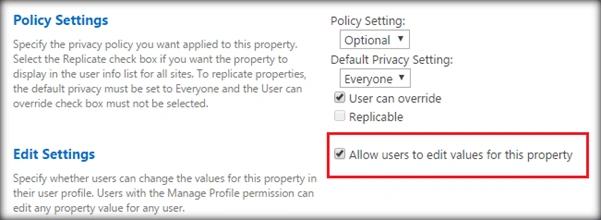
Ensure that the ‘About Me’ and ‘Department’ fields are editable by going to the Central Administration settings.
The scope of the article will be.
- Modify the list item column to trigger workflow
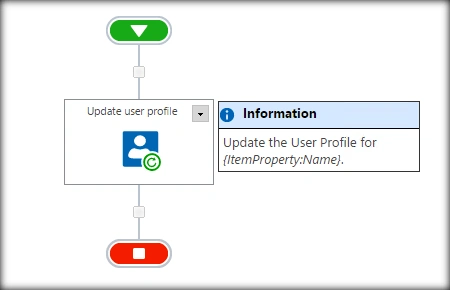
- Update the user profile properties based on the column value.

Shamim UddinPosted Oct 16, 2016, 5:29 AM
Nice