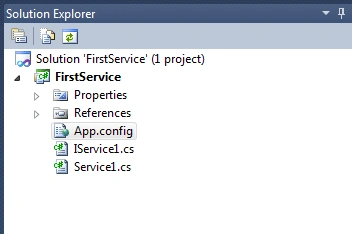
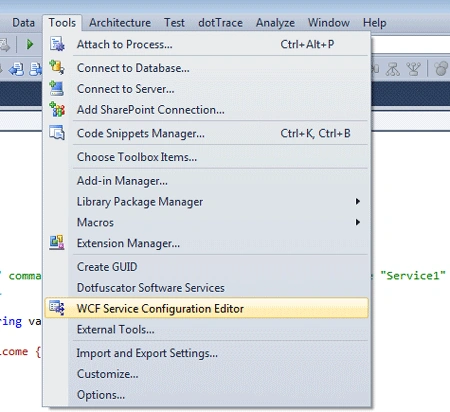
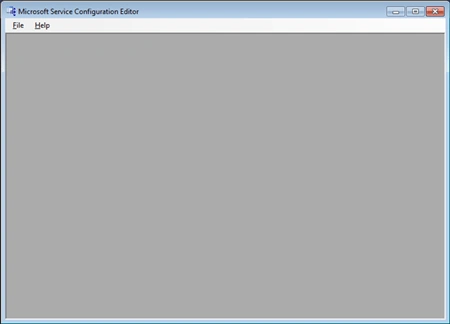
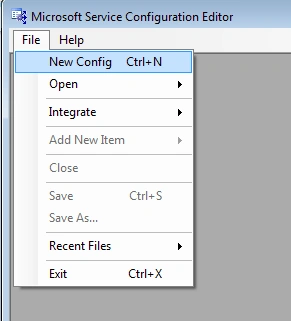
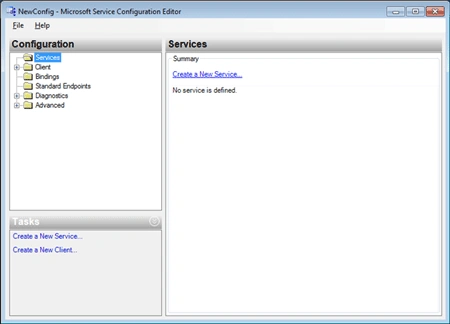
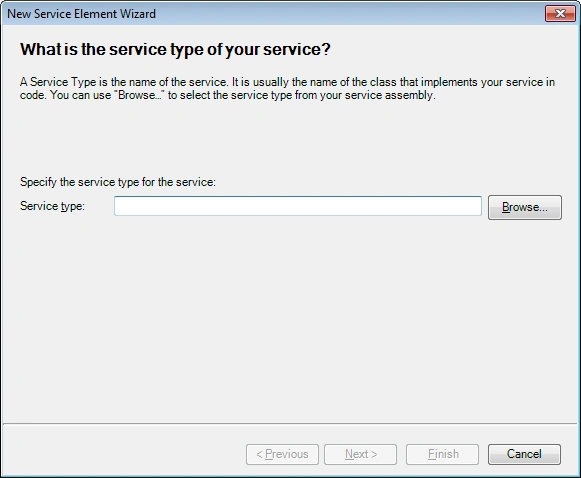
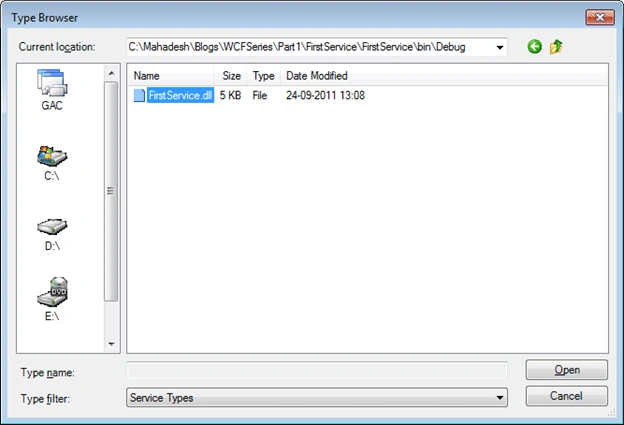
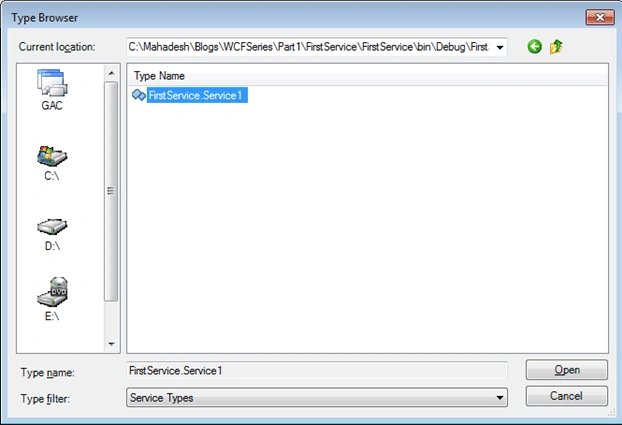
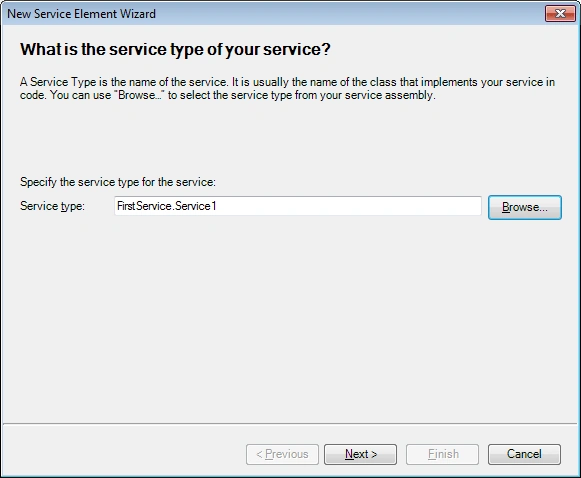
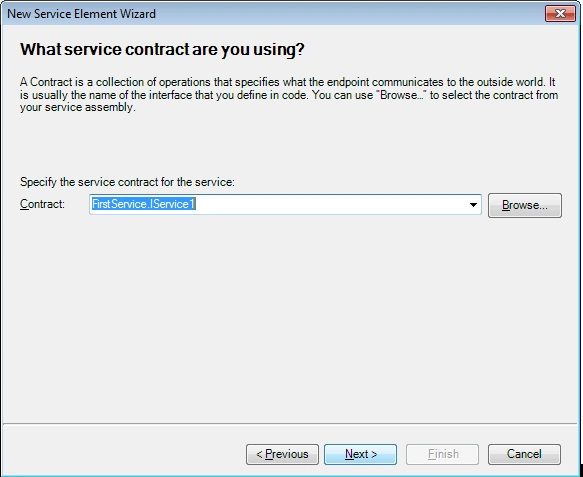
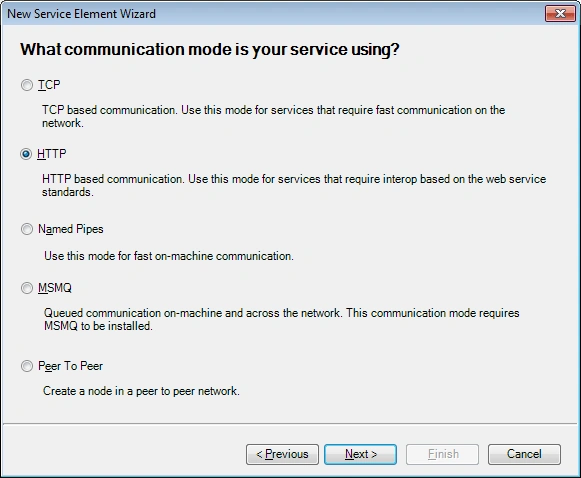
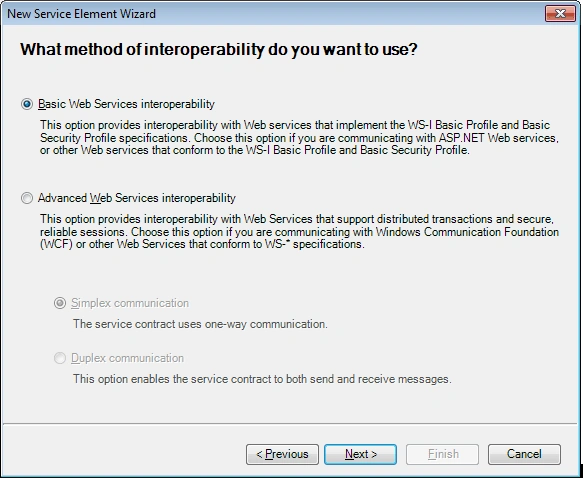
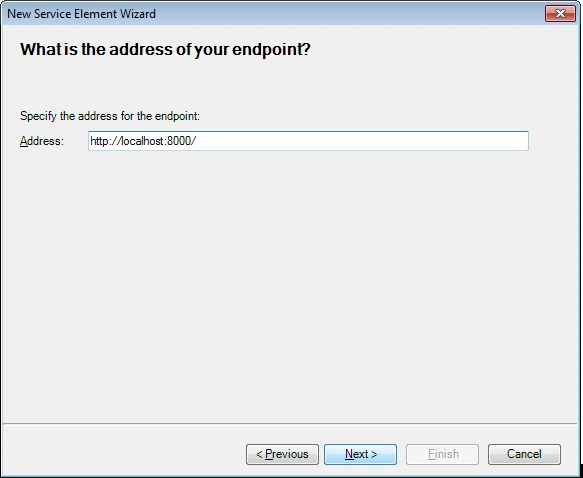
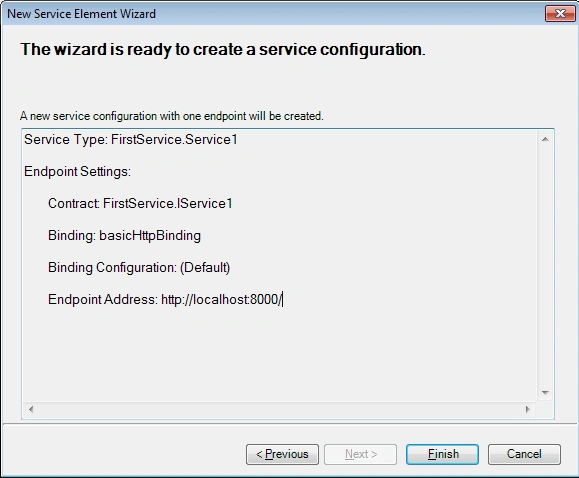
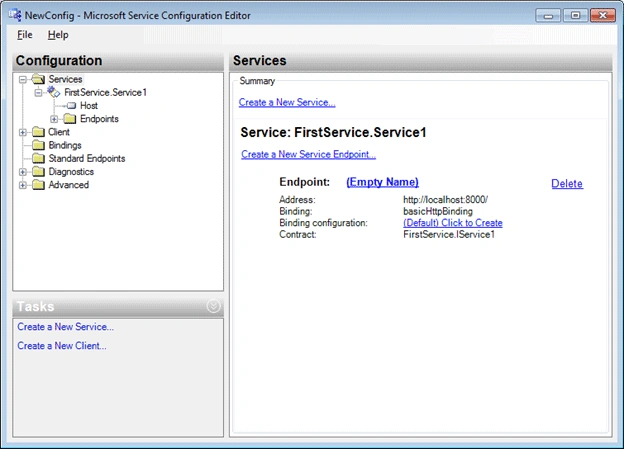
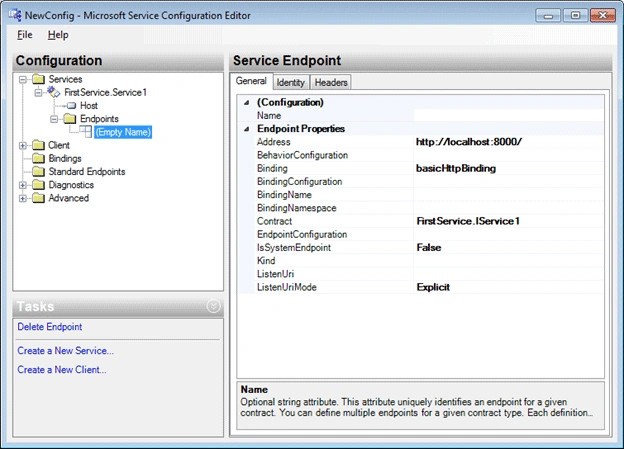
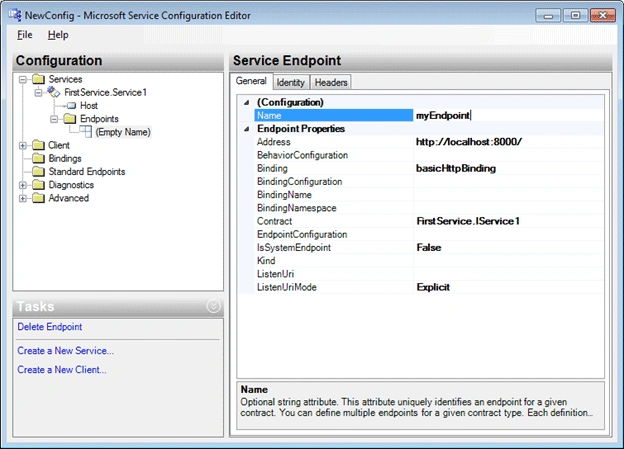
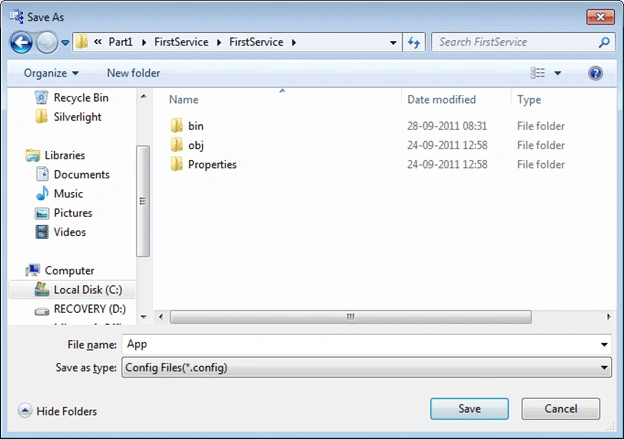
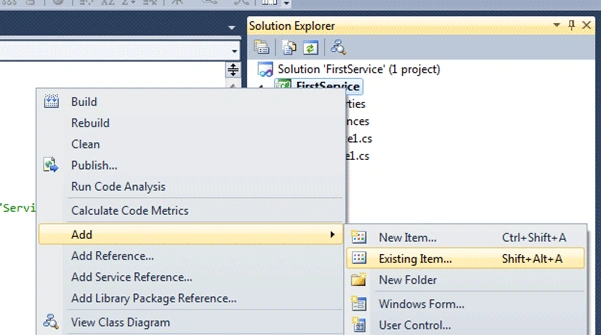
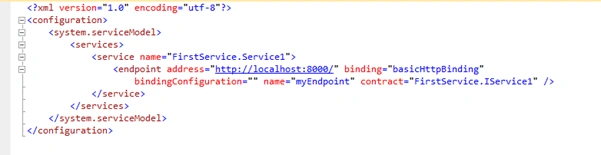
In this article we will be seeing how we can create a Config File using the
Configuration Editor in WCF.
Create a Config File using Configuration Editor in WCF
Thanks. Happy Coding.

Join the conversation! Your thoughts help the community grow.
Sign in to leave a comment
It is the same account you read, post and publish with — and you will come straight back to this page.
Former memberPosted Sep 29, 2011, 2:55 AM
very Nice article Thanks for sharing