

1. Metro Look
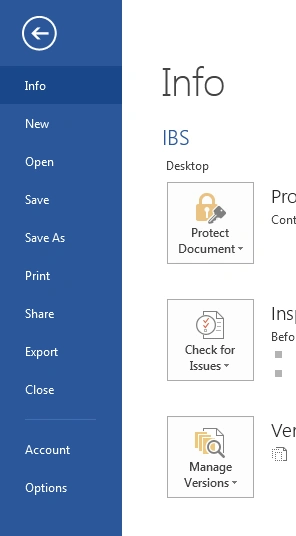
New Microsoft Word 2013 is totally redesigned and reimagined with Windows 8 and Metro Style app interface. Here is new logo with the Metro look.

You will also notice new interface and Metro style fonts, navigation, colors etc.
2. To the Cloud
When you install Office 2013, it asks you for the cloud connectivity and connects you with the Office 365 and SkyDrive. You will have to provide your LiveID to connect to SkyDrive and all your documents will be stored in the cloud.
3. More Templates
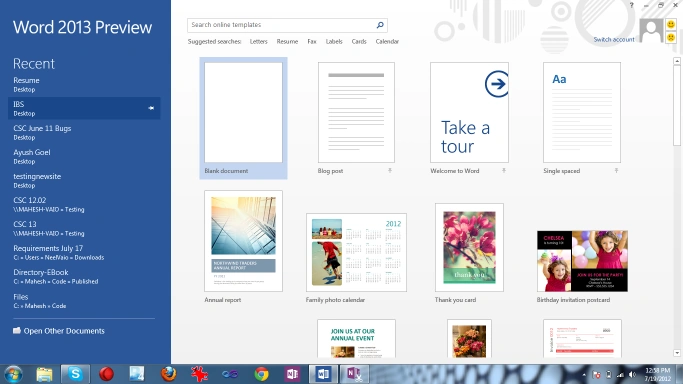
Now when you start word, you have access to more templates including search online feature. Check out Online Templates in Microsoft Office Word 2013.
4. New Ribbon Style
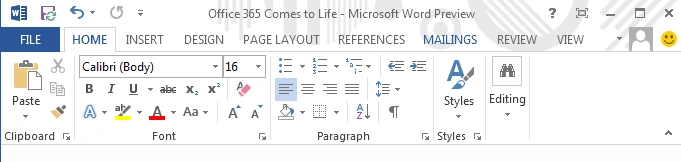
Metro style ribbon. The Save option will save your document to SkyDrive if you're connected online.
5. Mail Formats
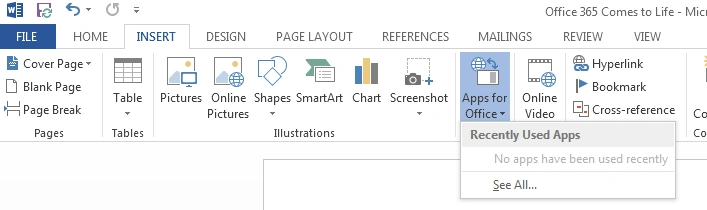
6. Apps for Office
You can search and install Apps for Office.
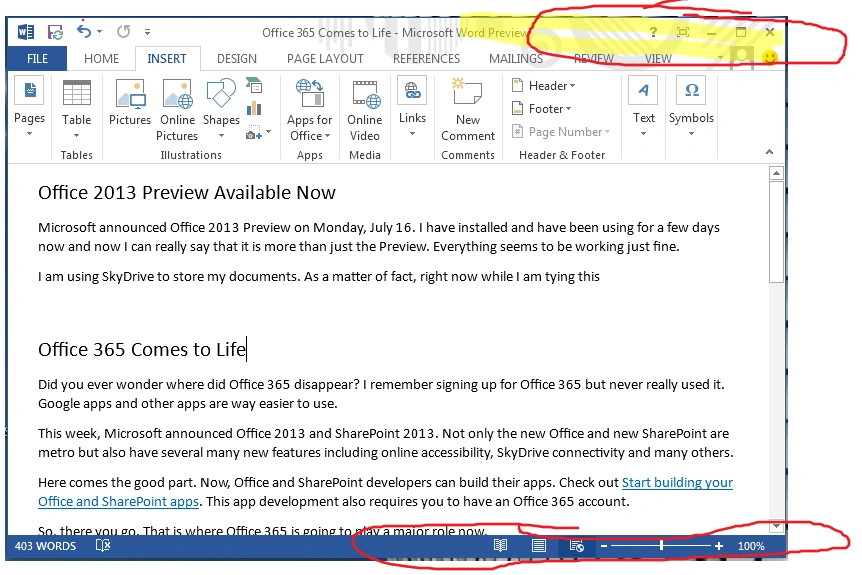
7. New Header Theme and Footer design
Now header has a theme. You select it when you start your Office first time. Also check out new style of Footer with page layout and zoom in/zoom out bar.
New Office 2013 Section on C# Corner
Are you one of the guys who jumps on a new product right away? We just launched a new section on Office 2013 where you can share articles, blogs, tutorials and even tips.
Share your blogs and articles or learn more about Office 2013 here >>
Join the conversation! Your thoughts help the community grow.