

Global variables are pre-defined system functions. Their names begin with an @@ prefix. The server maintains the values in these variables. Global variables return various pieces of information about the current user environment for SQL Server. Global Variable are automatically updated and interact with the system. So let's have a look at a practical example of how to use @@functions in SQL Server 2012. The example is developed in SQL Server 2012 using the SQL Server Management Studio.
SQL Server provides a massive number of global variables. The following lists some important global variables:
- @@CONNECTIONS
- @@ERROR
- @@IDENTITY
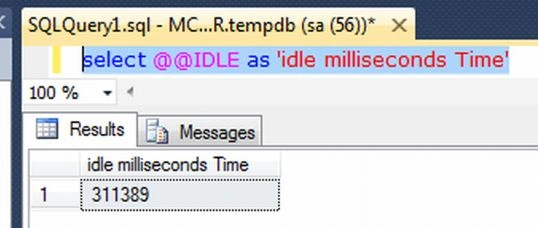
- @@IDLE
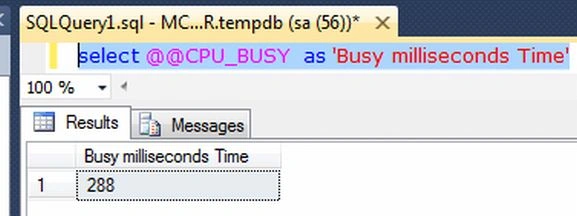
- @@CPU_BUSY
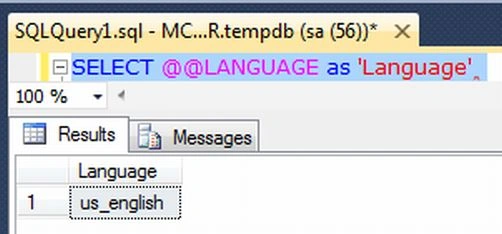
- @@LANGUAGE
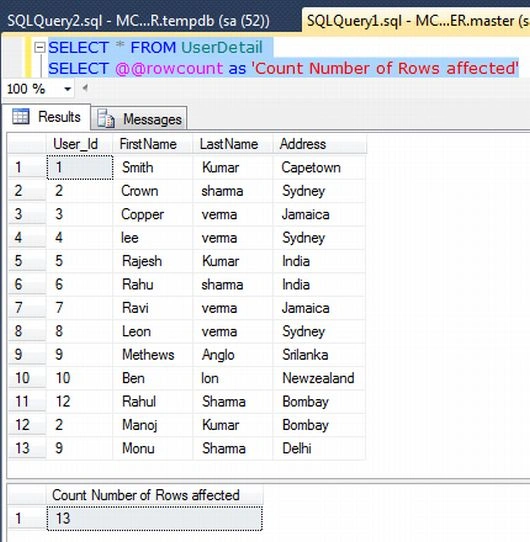
- @@ROWCOUNT
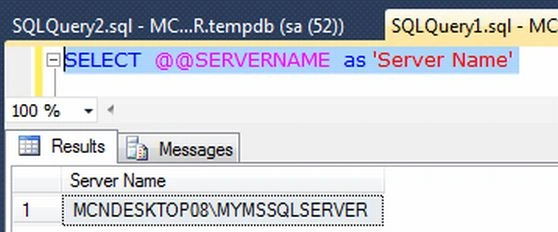
- @@SERVERNAME
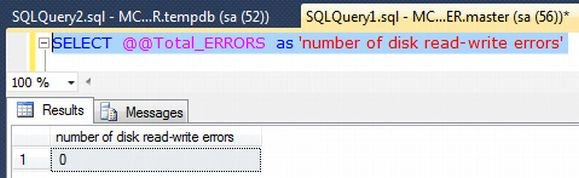
- @@TOTAL_ERRORS
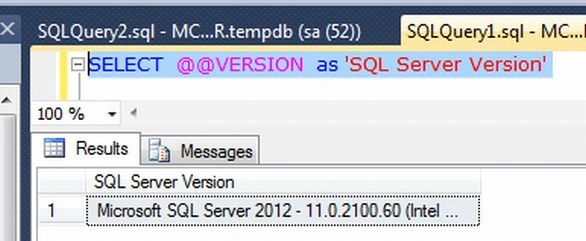
- @@VERSION
- @@SERVERNAME
1. @@CONNECTIONS
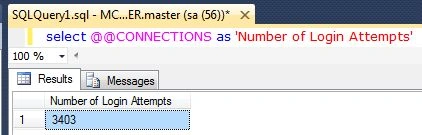
This variable returns the number of login attempts since SQL Server was last started. It returns an integer value.
Example
select @@CONNECTIONS as 'Number of Login Attempts'
Output
2. @@ERROR
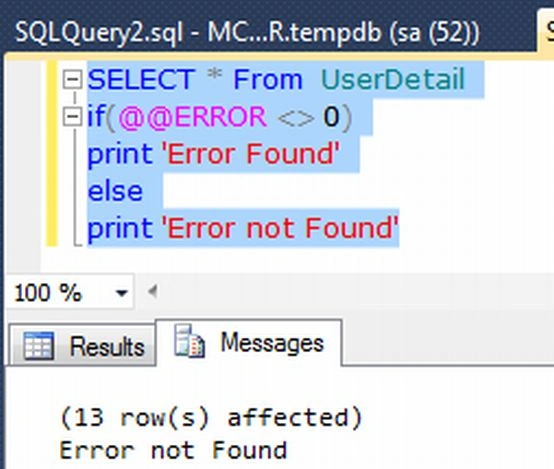
The error number for the last T-SQL statement executed. If this value is zero than there were no errors otherwise it returns the error.
Example
SELECT * From UserDetail
if(@@ERROR <> 0)
print 'Error Found'
else
print 'Error not Found'
Output
3. @@IDENTITY
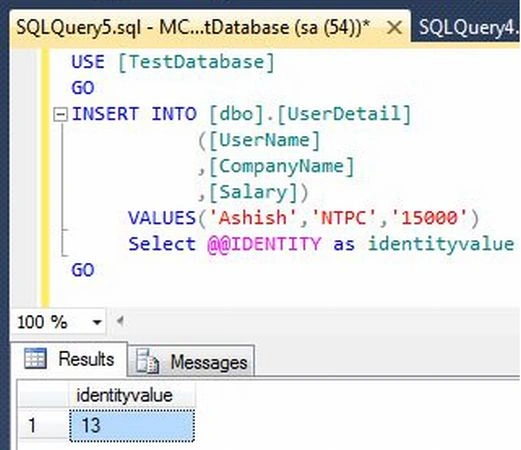
@@IDENTITY will return the last identity value entered into a table. @@IDENTITY is not limited to a specific scope. Suppose we create a table and set the identity value to true for a column in the table. After that when we insert data into the table we get the last identity value using @@IDENTITY. If the statement did not affect any tables with identity columns, then @@IDENTITY returns NULL. You can also access the @@IDENTITY value in your application.
Creating Table in SQL Server Database
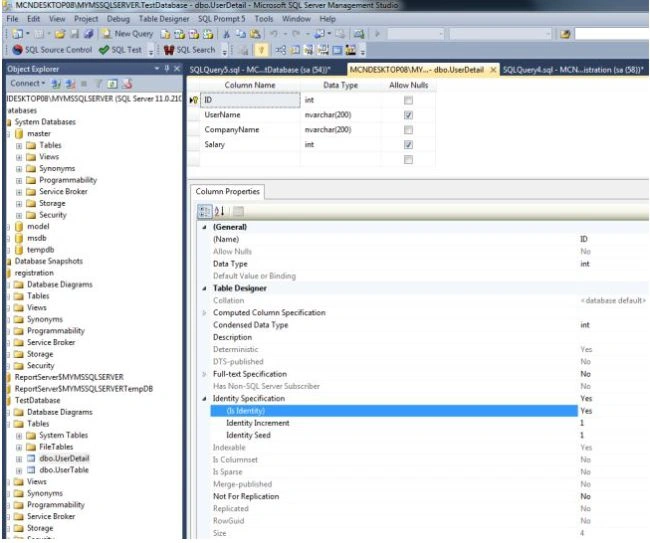
Now create a table named UserDetail with the columns ID, UserName, CompanyName and Salary. Set the identity property=true for ID. The table looks as in the following:
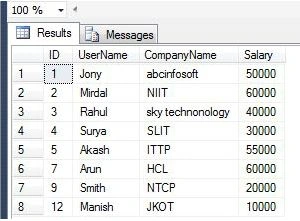
Now insert some values into this table. The table looks like this:
Example
Now for using the @@IDENTITY variable
INSERT INTO [dbo].[UserDetail]
([UserName]
,[CompanyName]
,[Salary])
Rohatash KumarPosted Nov 26, 2012, 2:58 AM
Thanks. I will try to write more...Deepak
Deepak MiddhaPosted Nov 26, 2012, 1:03 AM
very knowledge-full article sir.
Rohatash KumarPosted Nov 7, 2012, 3:53 AM
Thanks. Sagar
Sagar SutarPosted Nov 7, 2012, 12:32 AM
More knowledge useful article.
Sagar SutarPosted Nov 7, 2012, 12:32 AM
Respected sir, such very useful article to know more information. By.
Rohatash KumarPosted Nov 6, 2012, 2:20 AM
Thanks. Vithal
Vithal WadjePosted Nov 6, 2012, 12:27 AM
very useful article thanks for sharing i have bookmarked it