

SharePoint 2016 general availability was announced at the Future Of SharePoint conference in May 2016. The series that discusses the installation of SharePoint 2016 in Azure can be found at C# Corner from the below links.
- SharePoint 2016 installation in Azure-Part 1
- SharePoint 2016 installation in Azure-Part 2
- SharePoint 2016 installation in Azure-Part 3
Nintex is a premium technology partner for SharePoint. With the announcement of SharePoint 2016, Nintex has made the announcement of general availability of Nintex Workflow 2016 on July 11th 2016.
We have earlier explored how to create a list, using Nintex Workflow 2016, by entering the list Creation Information as a list item in a list. Whenever an item is created based on the item column values, the workflow would create a list. You can read the article from here.
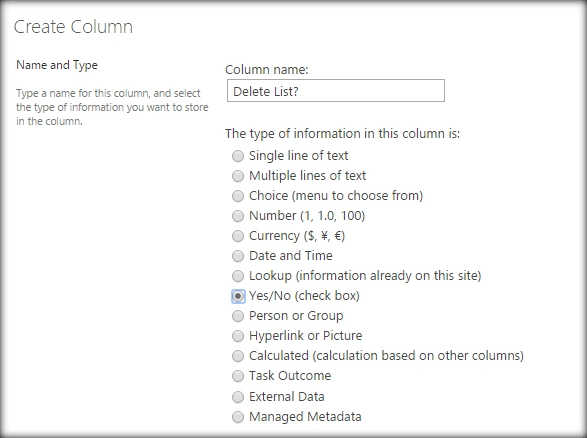
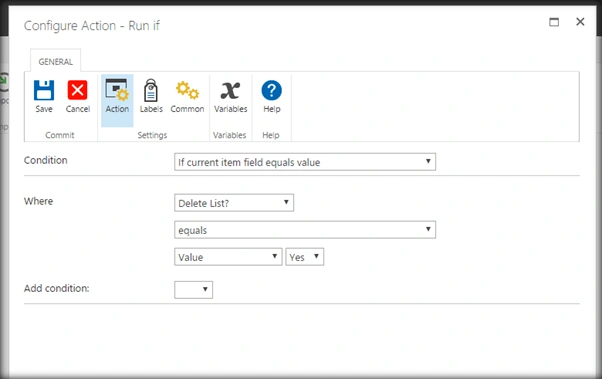
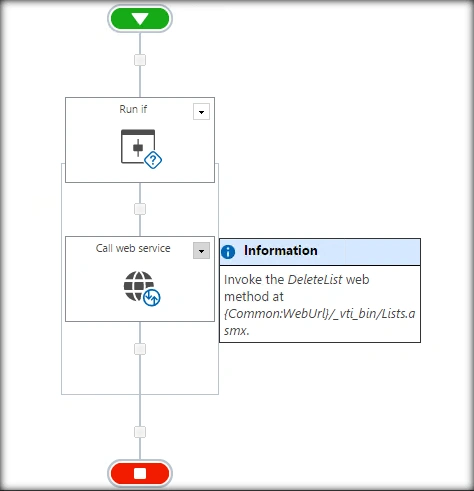
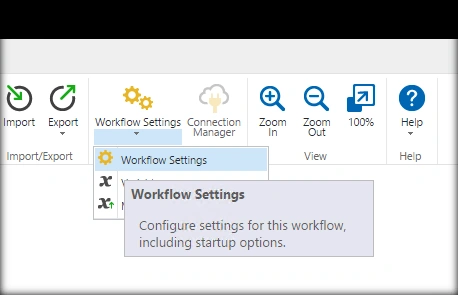
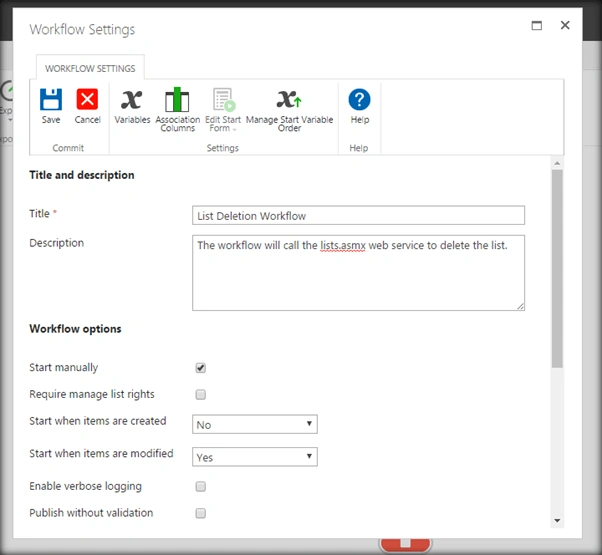
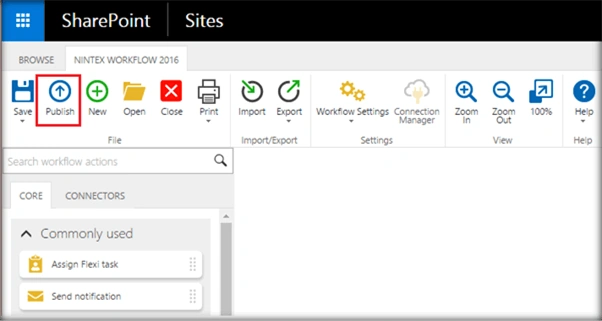
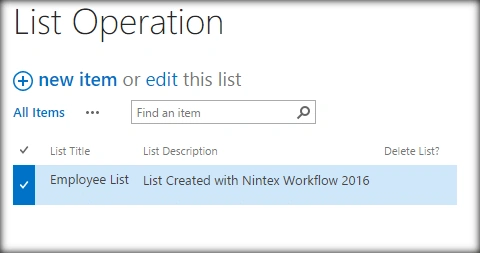
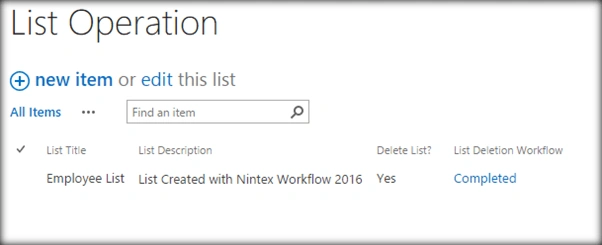
In this article, we will be extending the process. We will be adding one more column to the list ‘Delete Site ?’ which will be a Boolean Yes/No field. The list ‘List Operation’ will contain list items, based on which a site is created when the list item was added to the list. Now, when we modify the existing list item’s ‘Delete List ?’ column value to ‘Yes’, it will run a Nintex 2016 Workflow to delete the list. As a prerequisite, ensure that the column ‘Delete List?’ is added to the configuration list, ‘List Operations’ as a Boolean field.
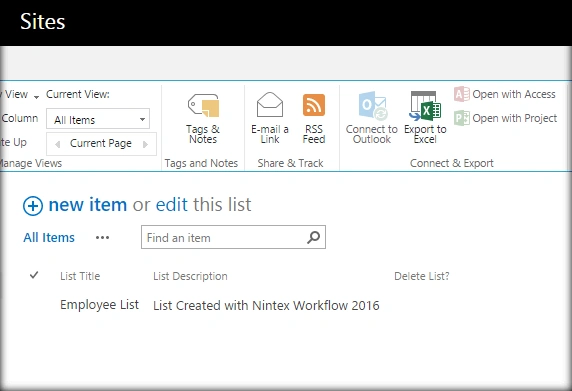
The configuration list along with the columns will look like the image shown below.
The scope of the article will be -
- Modify the list item column to trigger the workflow.
- Delete the list based on the value of the column ‘Delete List?’
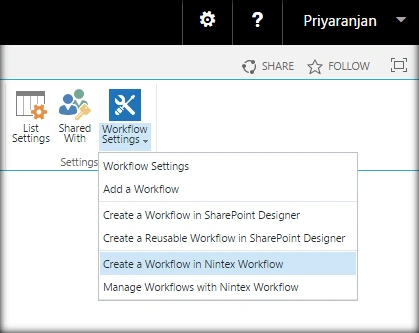
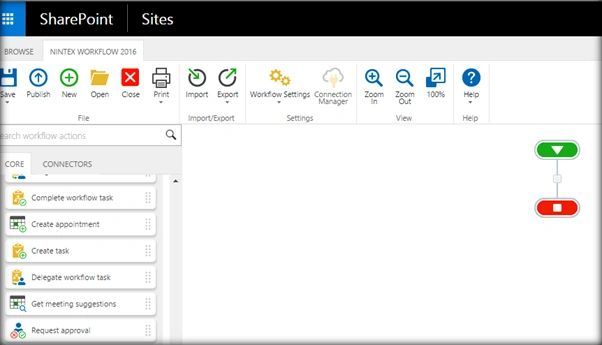
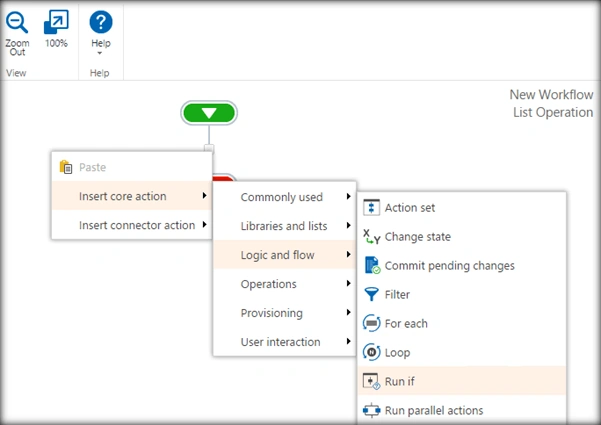
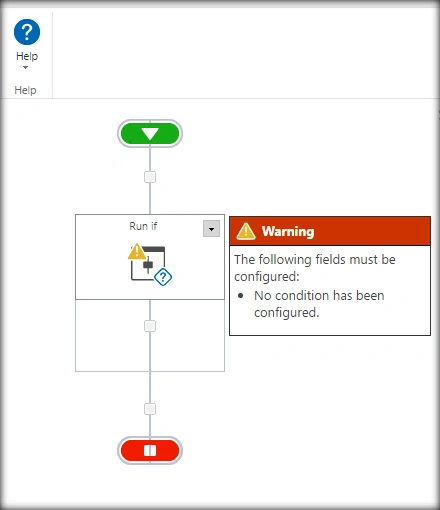
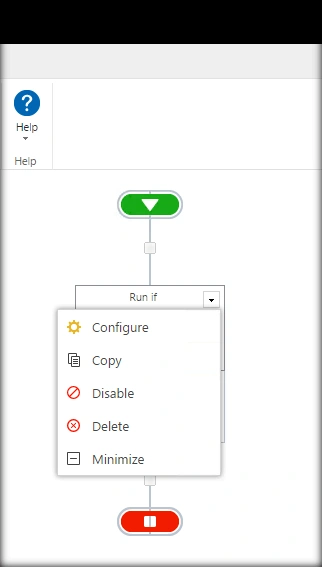
Let’s go ahead to the primary list where we will be running our Nintex Workflow. In our case, it is the ‘List Operations’ list.
Tarun DPosted Sep 12, 2016, 12:19 AM
Thanks for sharing..