

This is the next article in the series of
articles about database applications in JSP. In this article, I am going to develop a database
application with JSP. In this application, I am showing how to
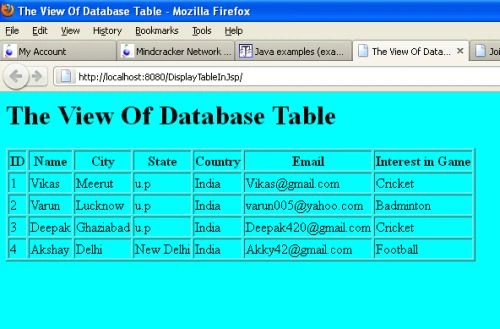
fetch data from a table. To do that, first we design a database of student data and
then fetch it from JSP code on server.
Step 1: Create a new database
In the first step we click on the blank database option and click on the create.
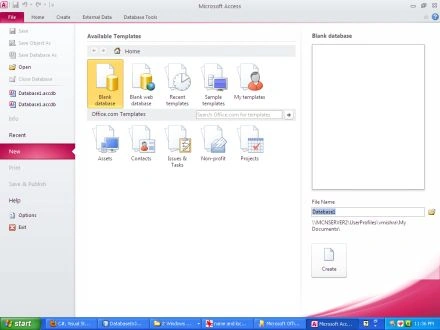
Step 2: Design the database
In this step we select field name and data type for the those fields. In this
application we select five fields (id, name, city, state, country, email and interest).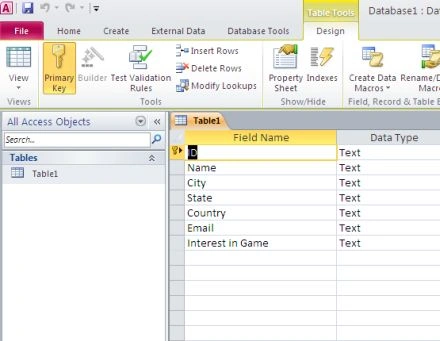
Step 3: Make DSN
In this step we make DSN by follow the following process.
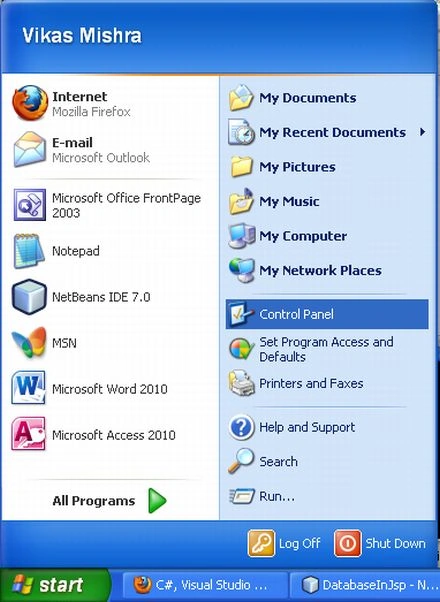
First we select the control panel option from start.
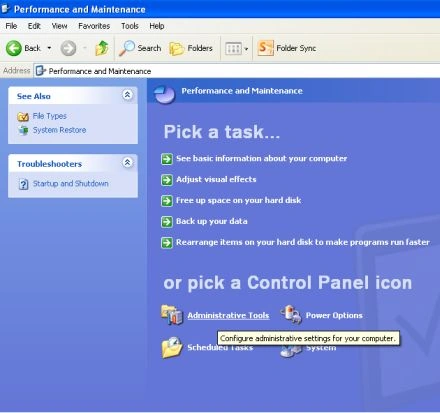
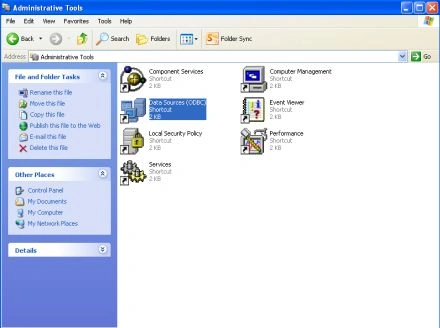
Then click on the administrative tools.
Select Data Sources option.
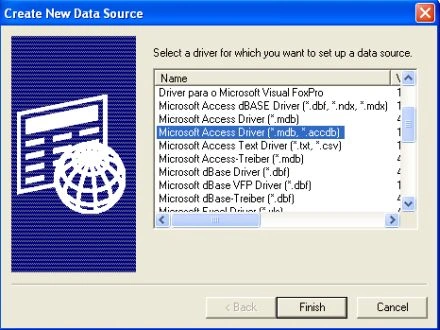
Then select Microsoft Access Driver (*.mdb,*.accdb), and click on the finish
button.
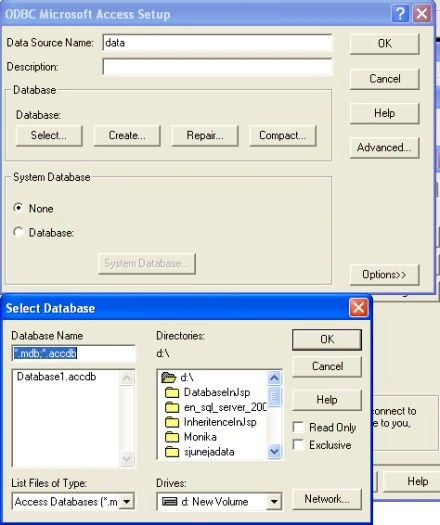
Then select database from the computer and give it a specific name. Now the DSN
is created.
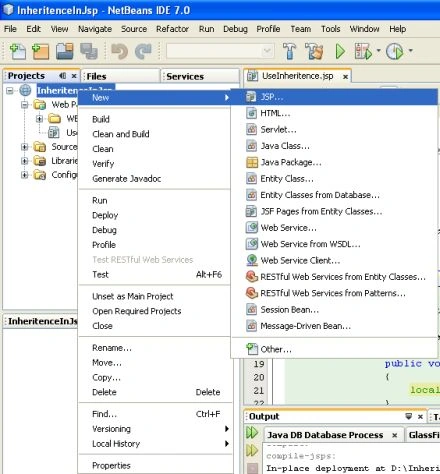
Step 4: Create a New Project
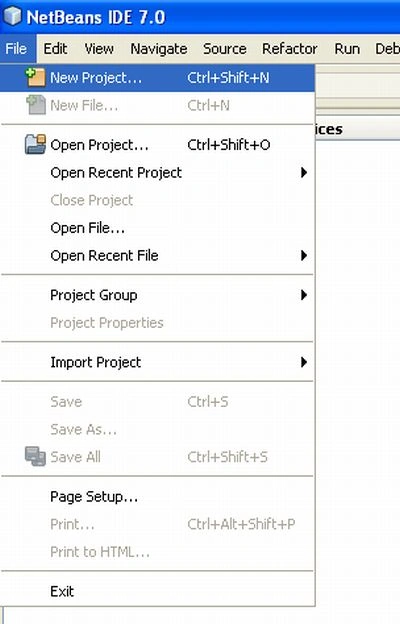
In this step we select New Project option from file menu.
Step 5: Choose Project
In this step we select web application from Java web option and then click on
the next button.
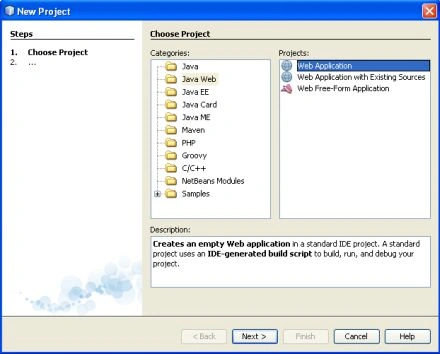
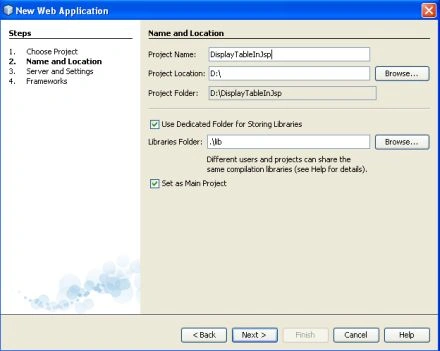
Step 6: Name and Location
In this step we give it a specific name and set a specific location and click
on the next button.
Join the conversation! Your thoughts help the community grow.