

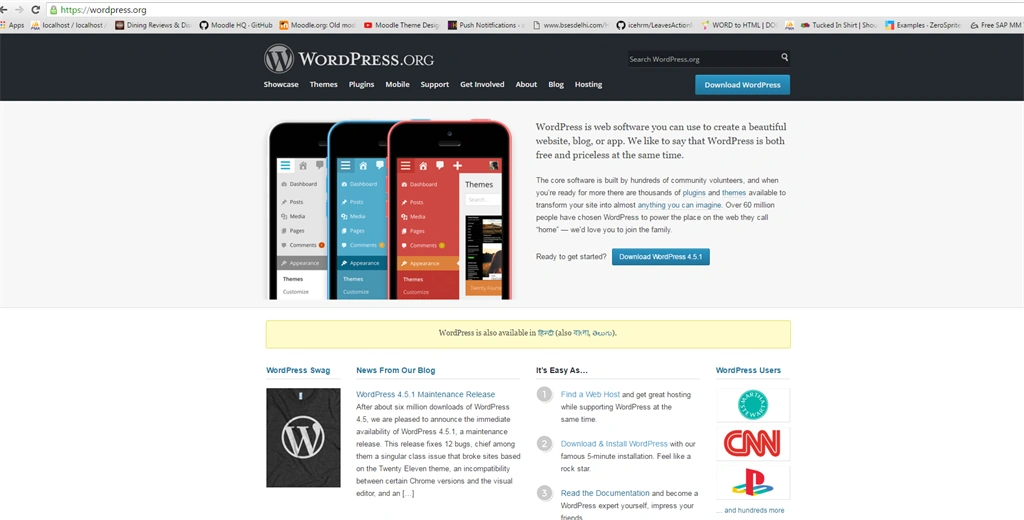
Click download button and download start.
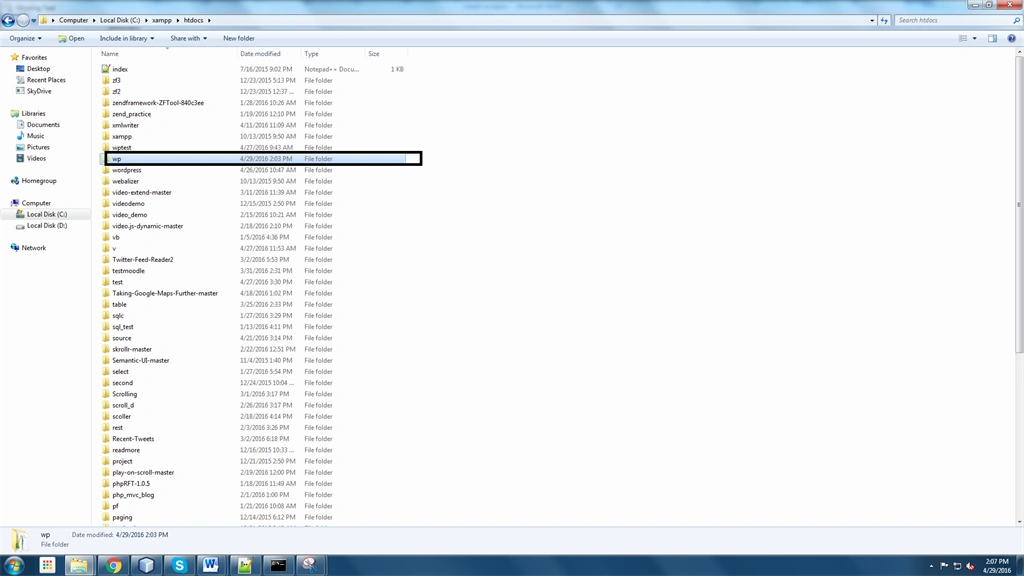
2. Extract download folder and put into htdocs below screen,
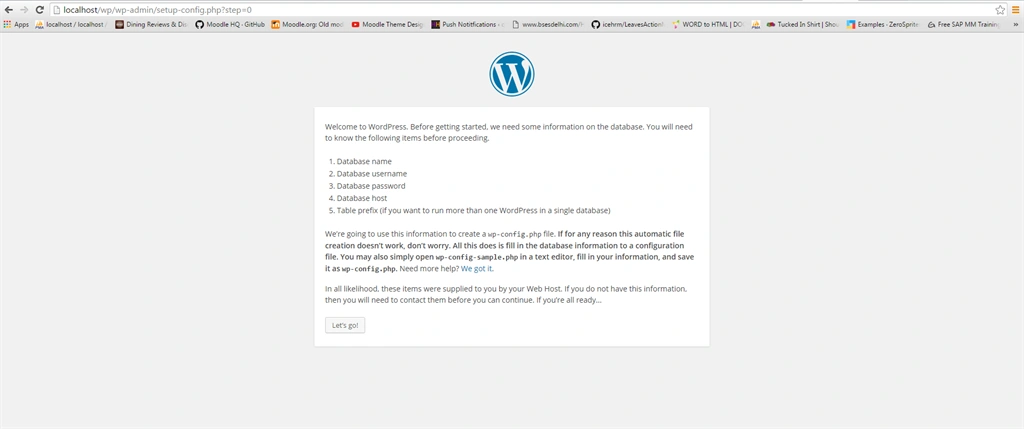
3. Run this folder into your server like xampp and wamp etc shows fist screen during the installation of wordpress,

Second screen click let go.
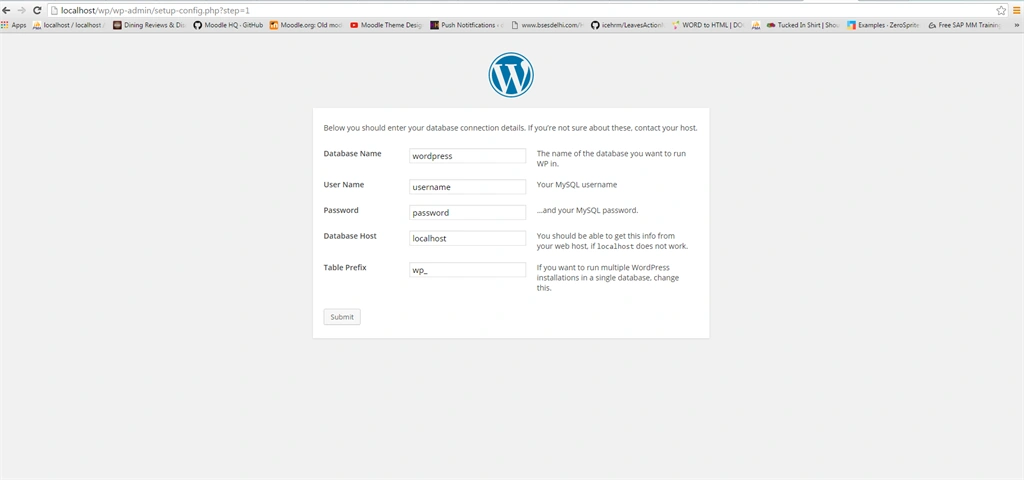
To create database into your phpmyadmin,
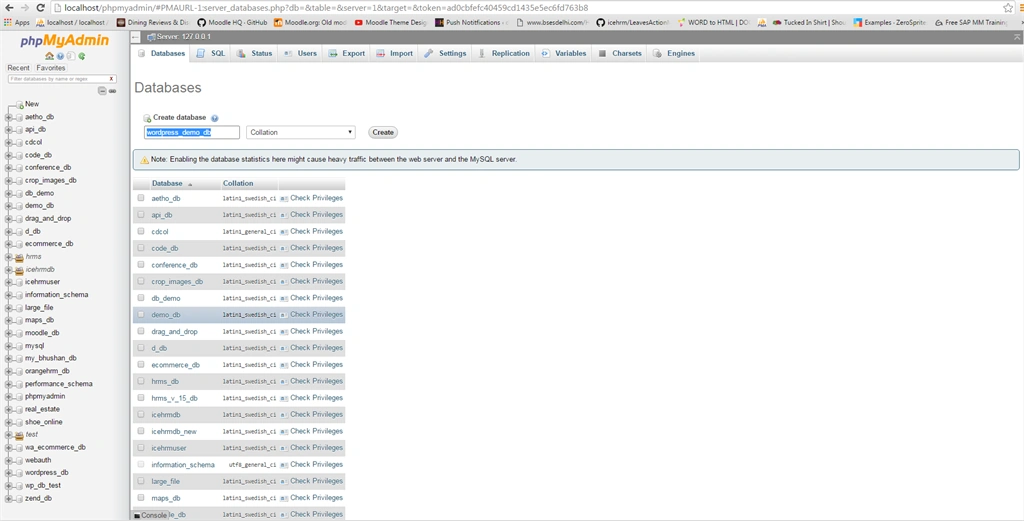
Fill database information,
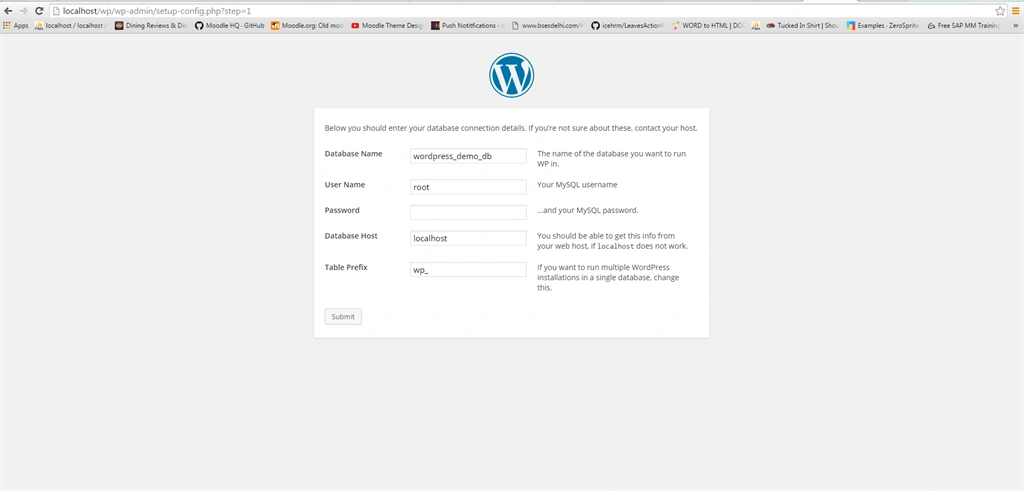
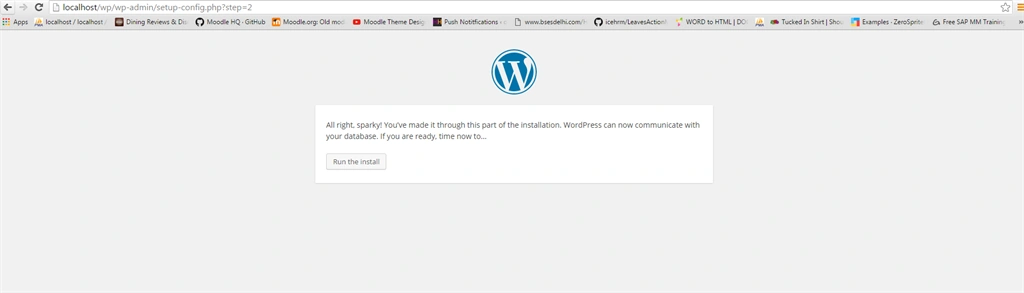
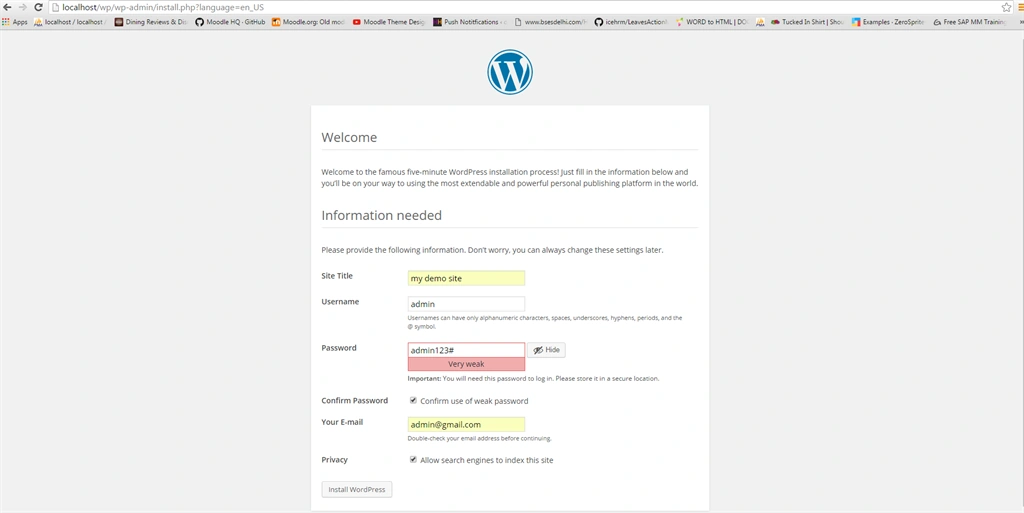
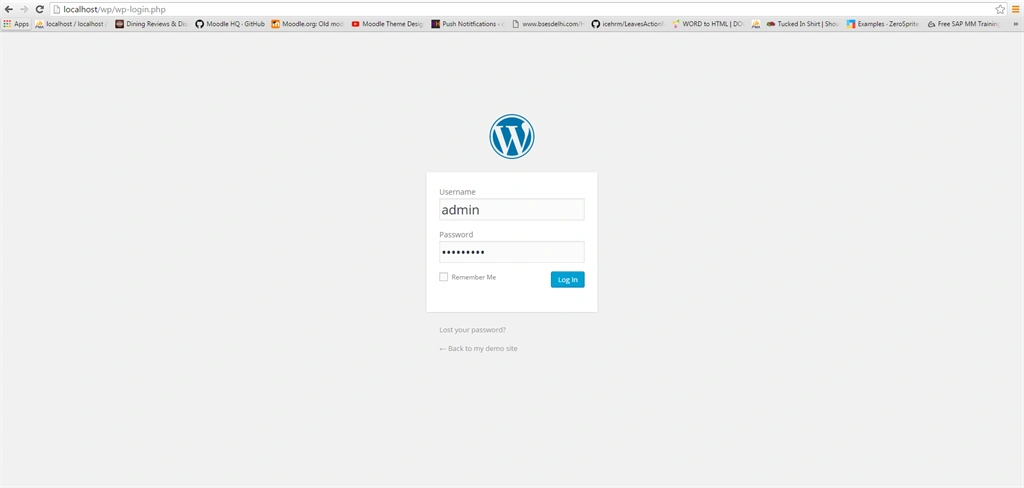
Show admin information,
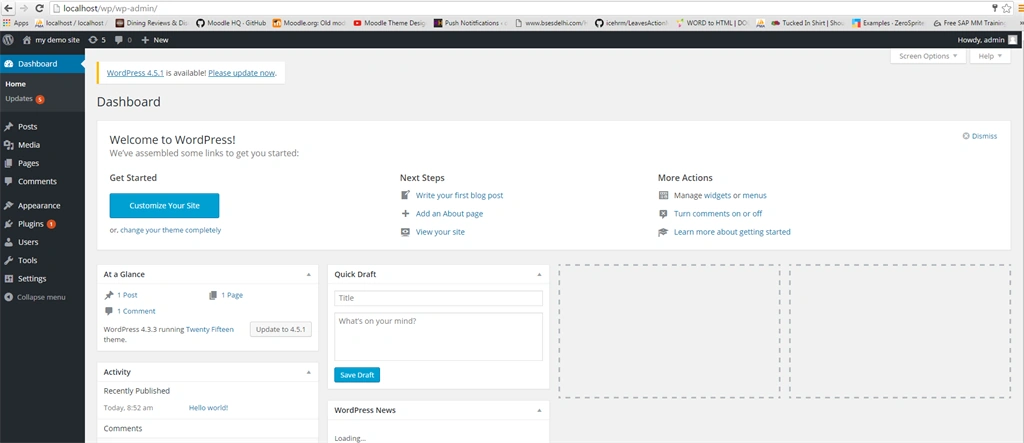
Plugin means the set of functions which are used to add a specific set of features, add new feature of wordpress plugin and modify wordpress admin panel . Worpdress plugin extends new feature in wordpress. The code of wordpress plugin code is flexible and understandable .
The popularity of Wordpress is increasing day by day. It is not just a blogging platform but it also acts as a Basic Content Management System(CMS).Thus due to its extending functionality Wordpress has become a neccessity for developers. Further the developers have added their initiative to customize the functionality by adding plugins. These plugins are basically a small piece of code which can be executed on different pages or sections.
In today's tutorial we will learn how to create a wordpress plugin which will extract and display products from an external OSCommerce database.
Firstly we will describe the file structure of a plugin and where it should be included in the wordpress structure.Then we will see how to make our plugin visible for wordpress and integrating it with actions which is run by its frame.Then we will create a configuration panel for our plugin.By doing this the site administrator would be allowed to customize his/her needs.After doing this we will implement the front-end functions which will interact with the OSCommerce database nd extract the required data.
Let's start to create plugin and install at wordpress
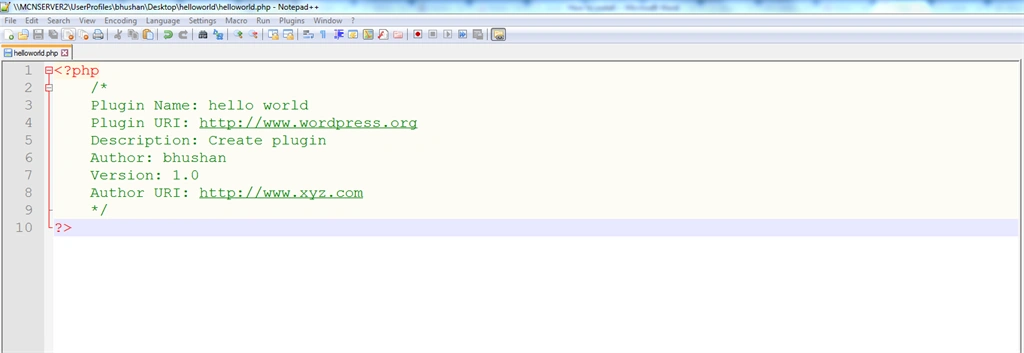
Create folder name as helloworld,


- <?php
- /*
- Plugin Name: hello world
- Plugin URI: http://www.wordpress.org
- Description: Create plugin
- Author: bhushan
- Version: 1.0
- Author URI: http://www.xyz.com
- */
- ?>
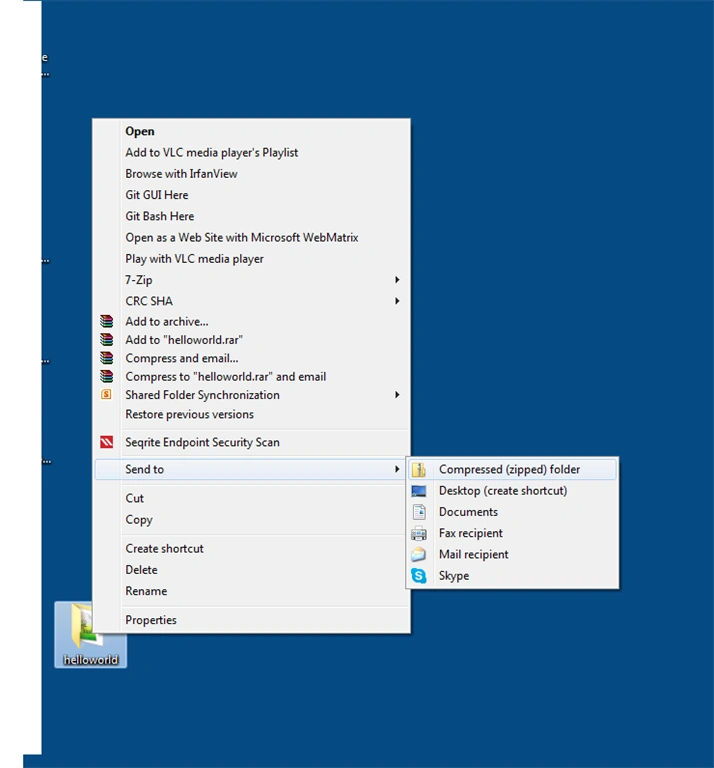
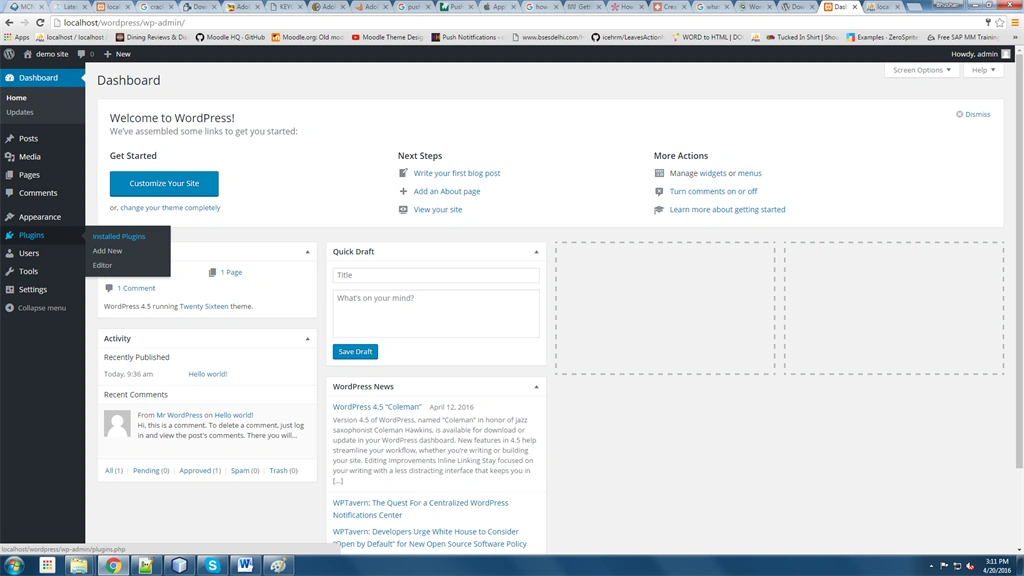
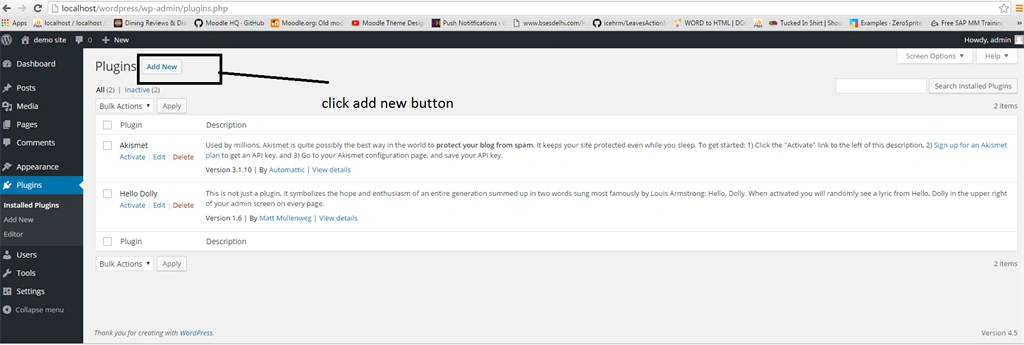
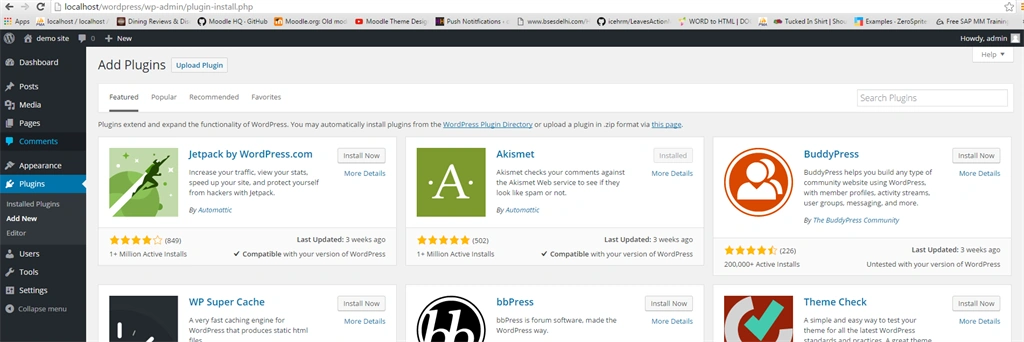
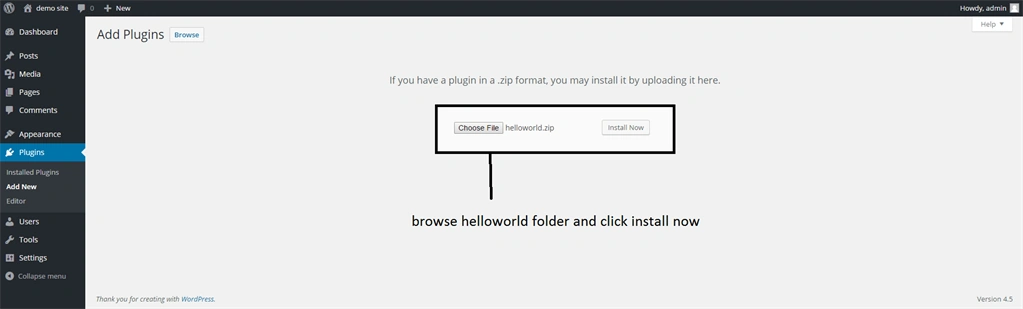
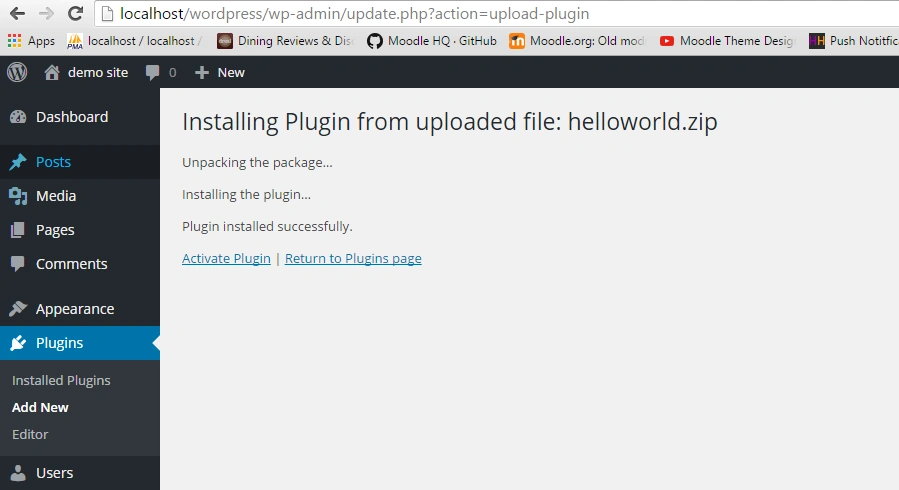
Next screen to upload zip folder and click Activate Plugin like,
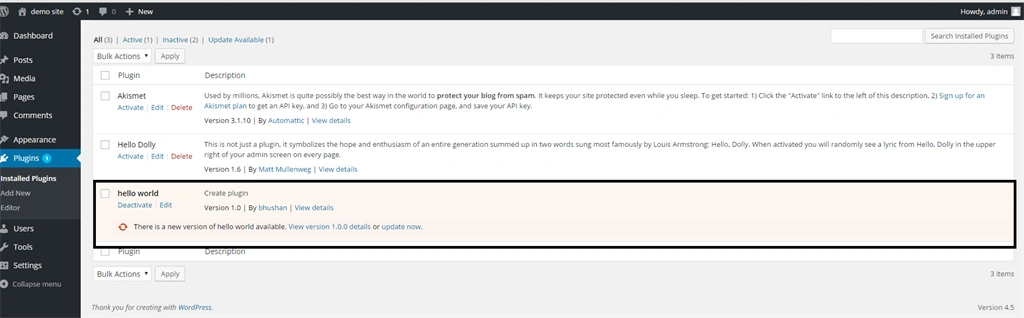
Show my plugin,
In the next article, we will learn how to code plugins with some functionalities.
Bhushan SinghPosted May 3, 2016, 11:22 PM
thanks Amit Dave
Amit DavePosted May 3, 2016, 10:36 AM
Keep up the Good work!
Bhushan SinghPosted May 2, 2016, 7:11 AM
thnks Sonu Chaudhary
Sonu ChaudharyPosted May 2, 2016, 6:04 AM
Thanks for sharing