

Introduction
This article demonstrates how to make a WordPress Setup Using Raspberry Pi 3 and PHP.
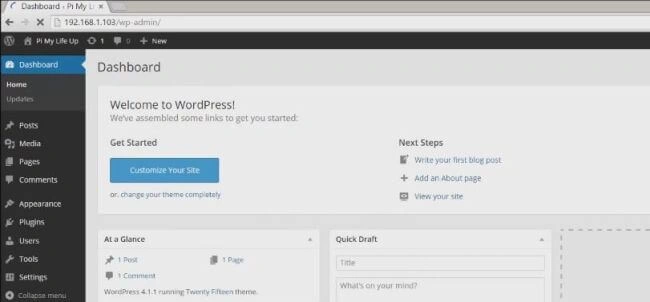
Pi can handle a web server; so if you want to launch your own WordPress blogs with a proper back-end, you can easily do it. This web server is used to get a small amount of traffic and for development purposes.
Requirement
I used the following equipment for this Raspberry Pi web server article.
- Raspberry Pi 3
- Minimum 8GB SD Cord if you're using Raspberry Pi 3
- Ethernet or Wifi
- Putty
- VNC Viewer
Optional
- USB Keyboard
- USB Mouse
Installation
In this article, I have made use of the standard operating system for the Raspberry Pi, known as Raspbian. If you haven't got this installed, then you can follow my previews article "Traffic Light System Using Raspberry Pi 3 and Raspbian Installation Process and LightWeight Web Server" link. First, you need to go and read my previous articles and then follow my instruction.
First, we will need to install an Apache2 web server. Just use the following commands.
- sudo apt-get install apache2 -y
- hostname -I
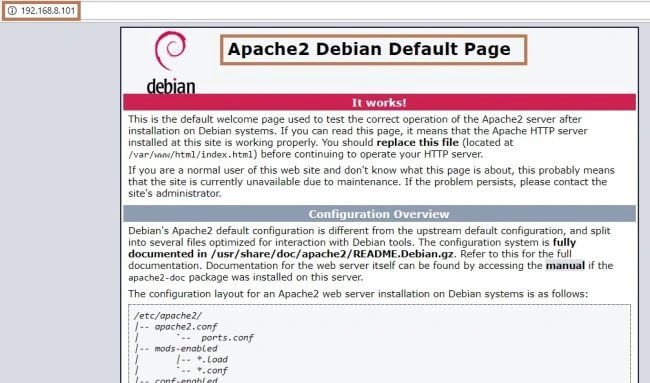
Open Browser, Enter IP address in the browser, and you should get an Apache instruction page.
Next, we need to install MYSQL - SERVER PHP 7.0. Just use the following commands.
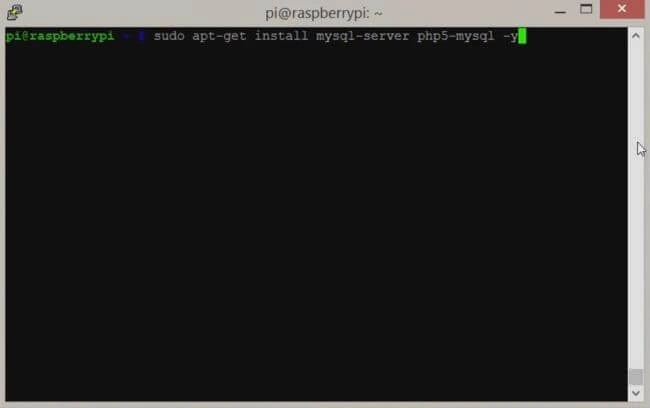
- sudo apt-get install MySQL-server php7.0-mysql -y
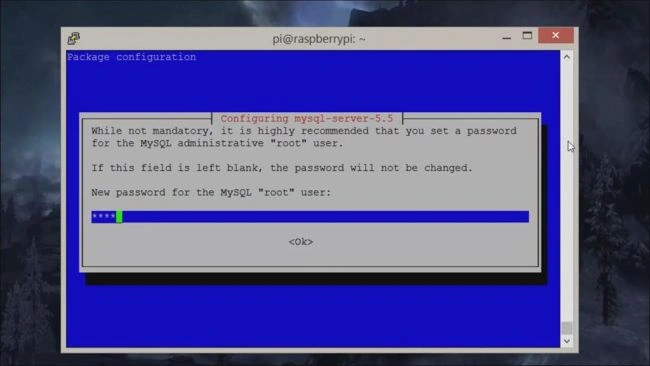
- sudo mysql_secure_installation

Hadshana KamalanathanPosted Jul 21, 2018, 10:13 AM
Nice one..
Munish APosted Mar 28, 2018, 12:07 PM
Nice article Ravi.......